
Description
This guide explains how to create content with a data source.
Requirements
- Access to “Content Creation”
- Have a data source
How to create content with a data source
- Log in to TEOS Manage.
- Navigate to “Content Creation”.
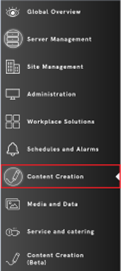
- Select “Templates”.

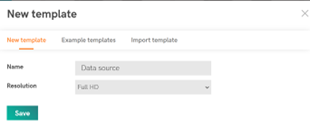
- Select “New Template”.

- Give it a name, select the desired resolution, and then select “Save”.
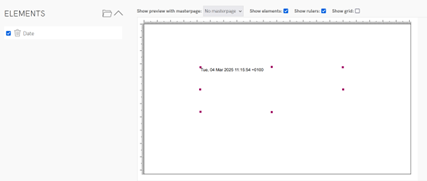
- Create an element on the page based on the data source you want to add. For example, if you want to add a weather icon, add an image element; if you want to add a date, add a text block.
- When creating an element, a pop-up will appear showing the properties of the element. Give it a name and navigate to “Data”.
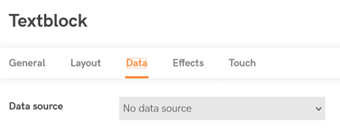
- Here you can select a data source. After selecting a data source, an option called “Value” will appear.
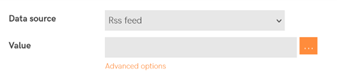
- Select the three dots; a menu will appear with selectable values based on the data source. Select the desired value.
- Select “Save”. You have now created a data source element.
If there are any problems or questions, please contact TEOS Support.