
Description
This guide explains how to create content with Power BI.
To follow this guide, a Power BI data source needs to be set up. View TEOS Datasources - How to set up Power BI for instructions.
Requirements
- Access to TEOS Manage Content Creation
How to create content with a Power BI data source
- Go to “Content Creation” and select “Templates”.
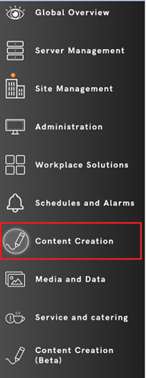

- Create a new template and edit it.

- Select the Power BI element and place it on the canvas.

- Give it a name and select “Data”. As the data source, choose “Power BI”.
Based on the type of content you have stored in your Power BI environment, select the data type you want to connect.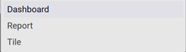
- If TEOS finds matching content in Power BI, it will be listed under “Elements”.
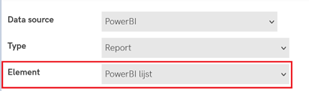
- Select “Save”, and the Power BI data will be presented in the template.
You have now successfully created a Power BI template.